Raspberry Pi icon

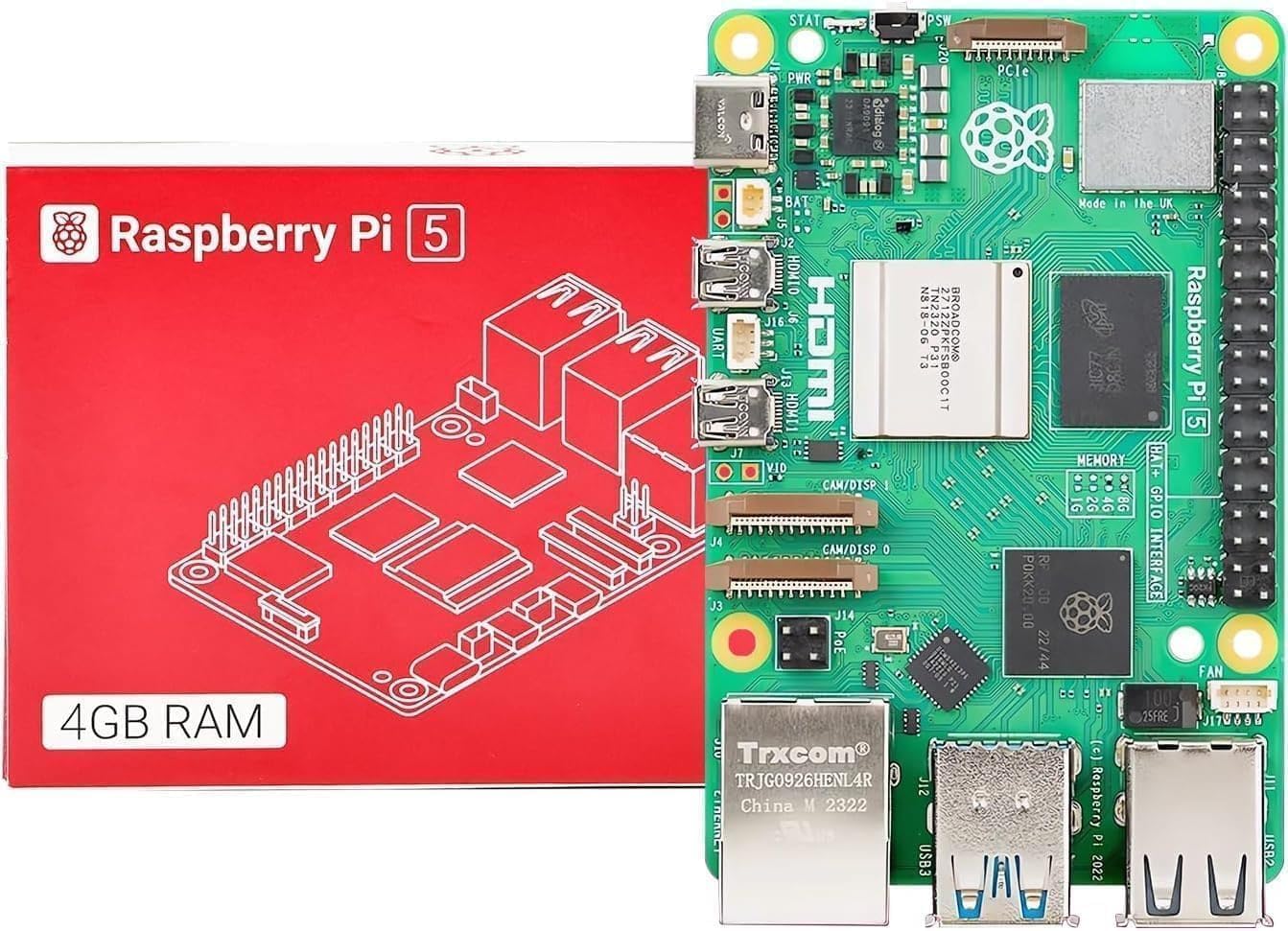
Wolfie knows: Raspberry Pi 5

Raspberry Pi 5 setup guides, operating systems, downloads, and real-world project resources built for makers who want results.
Raspberry Pi 5

Raspberry Pi 5 Downloads, Setup, and Project Resources

Get everything you need to start building with the Raspberry Pi 5. Download operating systems, follow step-by-step setup guides, and move straight into real working projects without wasting time.

Start Here

Fastest path from unboxing to building

New to Raspberry Pi? Follow this path and get your board running in minutes. Install the OS, preconfigure Wi-Fi and SSH, and jump straight into real projects.

Click the robot for a quick welcome 👋

Mission

Learn fast. Build faster. Push your Raspberry Pi further.

This page is built for people who want to get things running, not waste time. You will find working downloads, clear setup steps, and practical tools that help you move from first boot to real Raspberry Pi projects fast.

How to install a Raspberry Pi operating system

Detailed install description

  1. Download and install Raspberry Pi Imager on your Windows, Mac, or Linux computer.
  2. Insert the microSD card you want to use in your Raspberry Pi.
  3. Open Imager and choose Device if prompted, then choose the Raspberry Pi model you are preparing.
  4. Select Operating System and pick Raspberry Pi OS or another supported option.
  5. Select Storage and choose the correct microSD card.
  6. Use the customization options if you want to pre-set Wi-Fi, username, password, locale, or SSH before first boot.
  7. Click Write and let Imager erase and flash the card.
  8. When finished, insert the card into the Raspberry Pi, connect display, keyboard, mouse, and power, then boot.
  9. Complete first-boot setup, connect to the network, and run updates before installing extra tools.

Raspberry Pi Imager is the fastest and most reliable way to install an operating system. It lets you configure key settings before first boot, which saves time and cuts down on common setup mistakes.

Headless setup: install with Wi-Fi and SSH already configured

Detailed headless setup description

  1. Open Raspberry Pi Imager and pick your Pi model, operating system, and storage card.
  2. Open the customization options and set a hostname so the device is easier to find on your network.
  3. Enter your Wi-Fi SSID and password, and make sure the country/region is correct.
  4. Enable SSH so you can connect without a monitor, keyboard, or mouse.
  5. Create your username and password before writing the card.
  6. Write the image, insert the microSD card into the Pi, connect power, and let it boot fully.
  7. From another computer on the same network, connect using your hostname or IP address with SSH.
  8. Once inside, run updates and any configuration changes you want before starting projects.

Headless setup lets you run your Raspberry Pi without a monitor, keyboard, or mouse. Preconfigure Wi-Fi and SSH, power it on, and connect remotely from another device in minutes.

Our picks for Pi operating systems

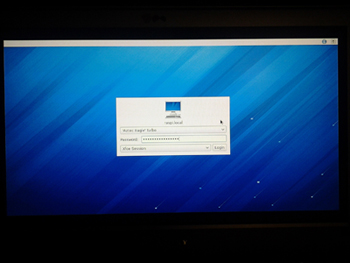
Pidora desktop on Raspberry Pi
Download Pick

Pidora

A Fedora-based system originally built for Raspberry Pi. It is no longer a modern mainstream option, but it is still useful for testing, experimentation, and users who want to explore an alternative Linux environment.

Download from our servers Robot icon
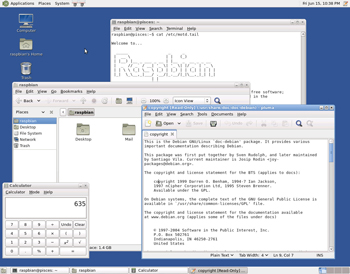
Raspbian desktop on Raspberry Pi
Download Pick

Raspbian / Raspberry Pi OS

The official and most widely supported operating system for Raspberry Pi. Best choice for most users because it has strong hardware support, broad documentation, and the smoothest setup path.

Download from our servers Robot icon
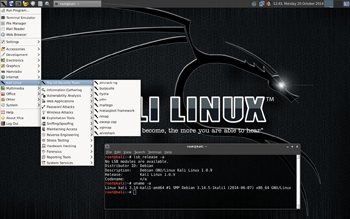
Kali Linux desktop on Raspberry Pi
Download Pick

Kali Linux

A powerful Linux distribution focused on cybersecurity and penetration testing. Best suited for advanced users who want to learn networking, security tools, and ethical hacking on Raspberry Pi hardware.

Download from our servers Robot icon
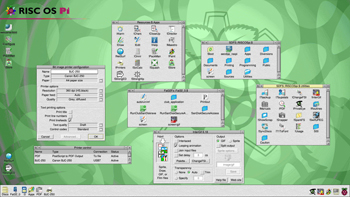
RISC OS Pi desktop on Raspberry Pi
Download Pick

RISC OS Pi

A unique operating system with deep ARM roots. Great for enthusiasts who want to explore alternative computing platforms, legacy software ideas, and a very different desktop experience.

Download from our servers Robot icon

Free e-book and share tools

Download a full Raspberry Pi project guide and start building right away. It is a solid extra resource for beginners and intermediate makers.

🚀 You've reached the top!